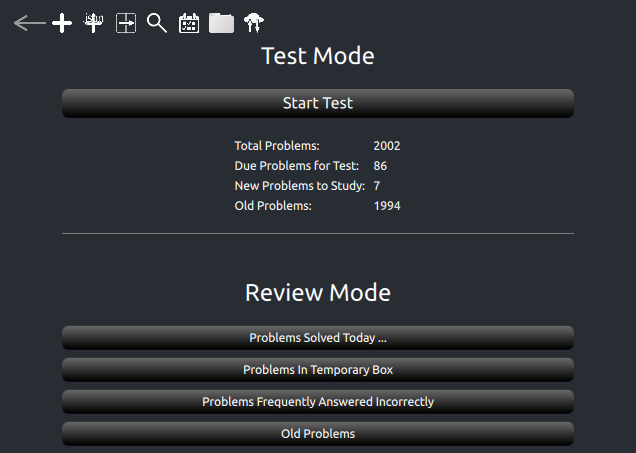
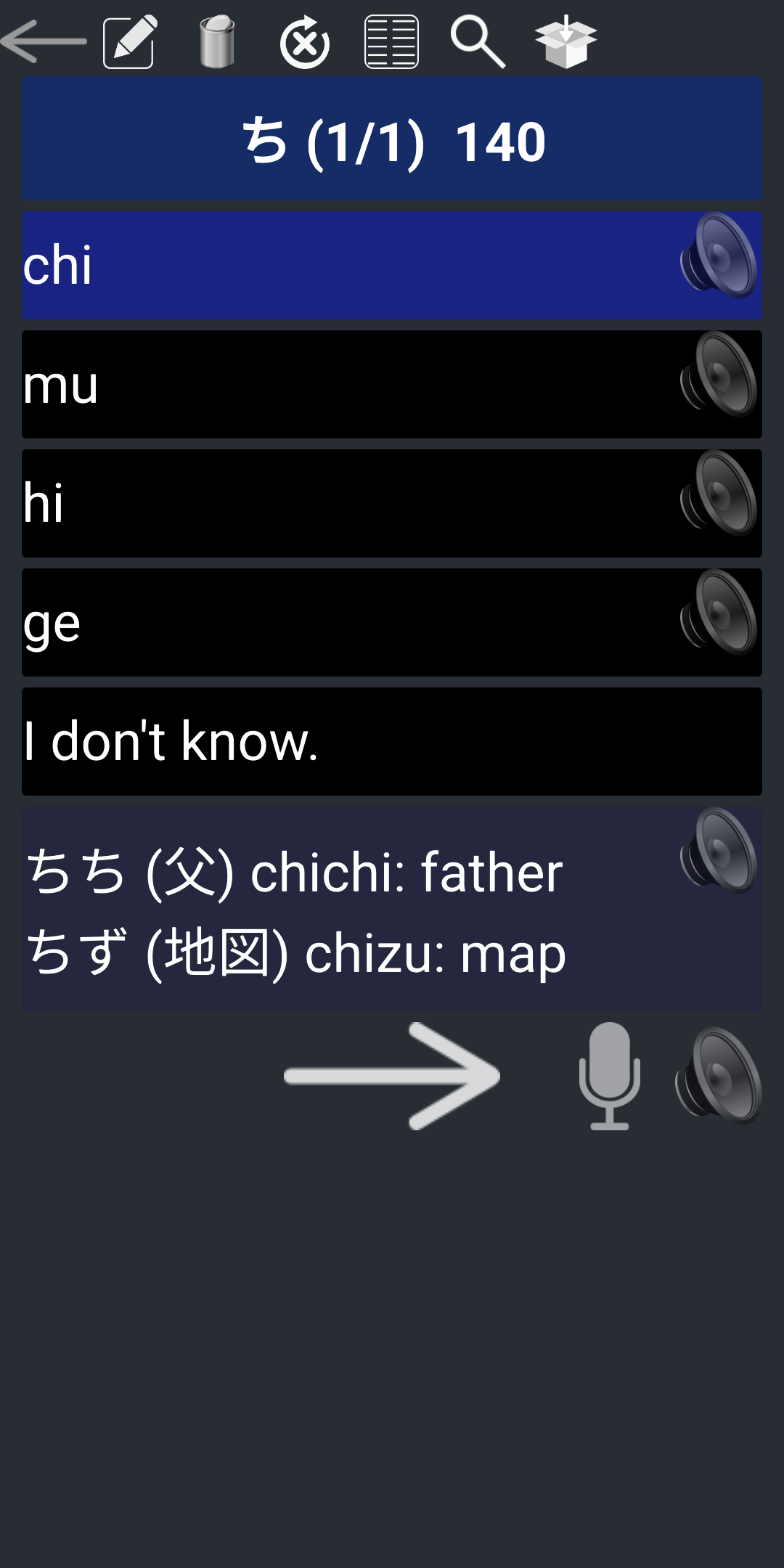
Study Mode: Mode for new problems
Test Mode: Mode for problems due today. If you solve more than 20 sets, your score will be displayed in the end.
Review Mode: Mode for problems you have seen already. In Review mode, due date of problems will not be altered.
 Add A Pair Type Problem
 Add A Non-Pair Type Problem
 Set Pair Problem like key to Value ( e.g. Italy → Rome)
 Set Pair Problem like Value to Key ( e.g. Rome → Italy)
 Find by keyword
 Show Test Schedule
 List problems you got wrong
 Load problems in local device
 Upload/Download Current Folder (Limit: 1Mb)
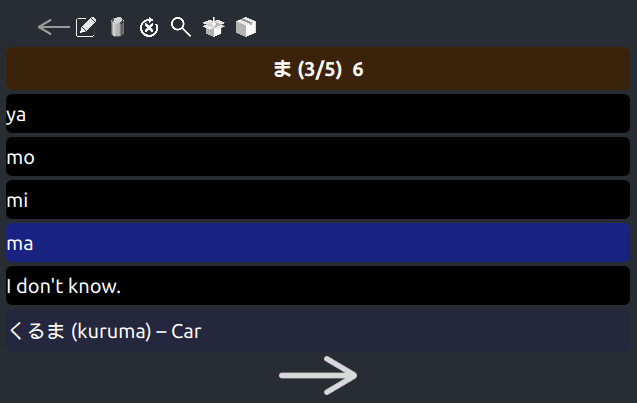
(10/12) 89: (Correct/Solved) Remaining. If the last number is negative, it means the number of questions you got right finally among the wrong answered questions.
 Edit Problem
 Delete Problem
 Try again problems you got wrong
 List of Problems
Find by keyword
 Put the problem into temorary box
 Close Current Box. The problems will not be removed from current box even if you answer it correctly.
 Open Current Box. The problems will be removed from current box if you answer it correctly.
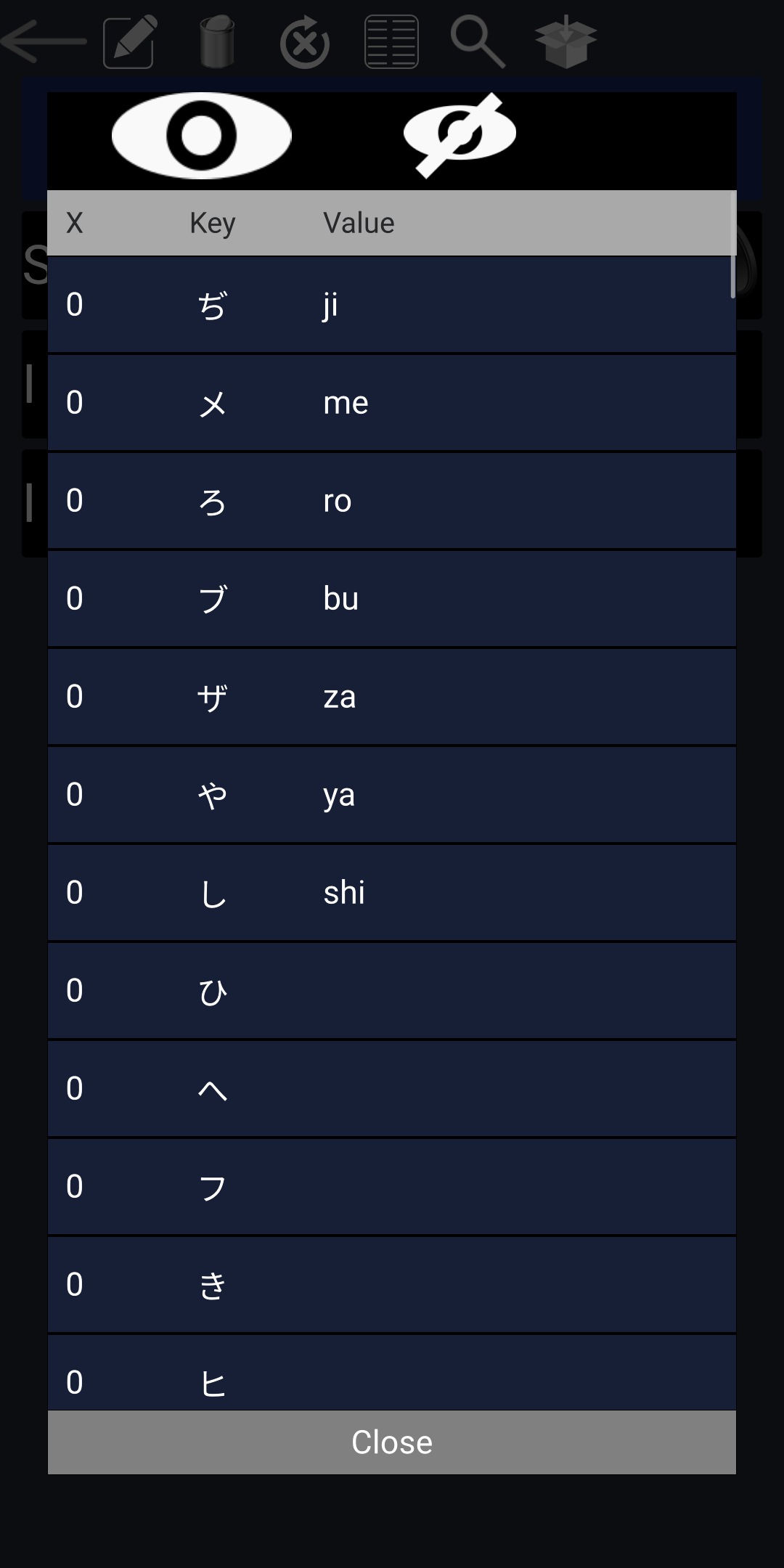
List of problem set you are solving now. Use show/hide button to toggle show/hide key/value. In hide mode, you can toggle show/hide each item by clicking it. If you press and hold the item, the edit dialog pops up. 'X' in the left column indicates the number of times you got wrong. If this number is higher, you fotget it more easily.
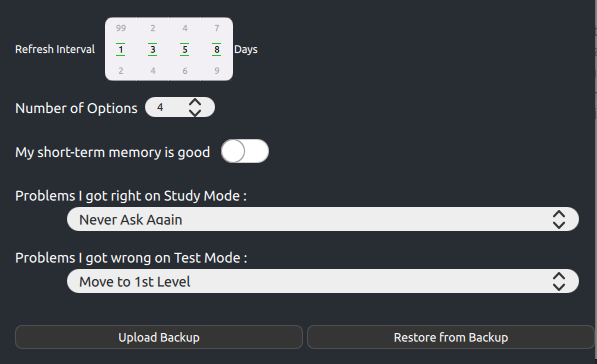
Refresh Interval: A set of spaced days you repeat for problems you got it right. After level 4, days will be doubled. In this case, it will be like 13, 26, 52, ...
Number of Options: Number of multiple choices. If it is 1, it acts like memory cards as shown above. If it is 4, it shows four options you can choose from as shown below.
My short-term memory is good: Skip 3 problem set repetition
Problems I got wrong on Test Mode:
Move to 1st Level: Next refresh interval would be 1, next day.
Move One Level Down: If the current level is 3(7 days), then the next refresh interval would be level 2(3 days).
Upload/Restore Backup: All your data will be stored to the cloud server. The limit is 5MB.
How to create Questions including Images/sounds:
Save it as anyname.json file, and zip it with image/sound(mp3) files. Then, you can open this in Memorida.
If the image/mp3 source are on remote host:
where FHTTP_ implies it is the file in remote host.